Saturday, 18, July, 2026

Lock Pc Using USB Without Any Software
Lock Pc Using USB Without Any Software

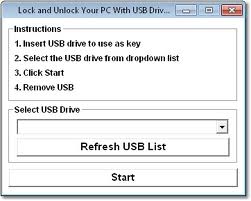
Now it is possible to lock or unlock your pc with just a pen drive to do this you just need to follow these steps. 1) Insert your device 2) Start command and type diskmgmt and hit enter 3) Right click on your device and select "CHANGE DRIVE LETTER" and rename it with a 4) Start command and type syskey and hit enter 5) Click update and choose "STONE STARTUP KEY ON FLOPPY DISK" and click ok That's it you have just secured your pc. To test this just restart your system. To remove this feature just start cmd and enter syskey and choose to store it locally. Enjoy...
Share this Page: Facebook Twitter LinkedIn WhatsApp

Please Share Your Comments:

Khanewal Dot Com Logo

Khanewal.com.pk is a comprehensive local portal offering a blend of cultural insights, public service information, and entertainment resources for the Khanewal district.

Copyright © 2026. All Rights Reserved By:Khanewal.com.pk

Website Powered and Coded by: Soft Dot Com, Basic Templete Designed by HTML Codex

