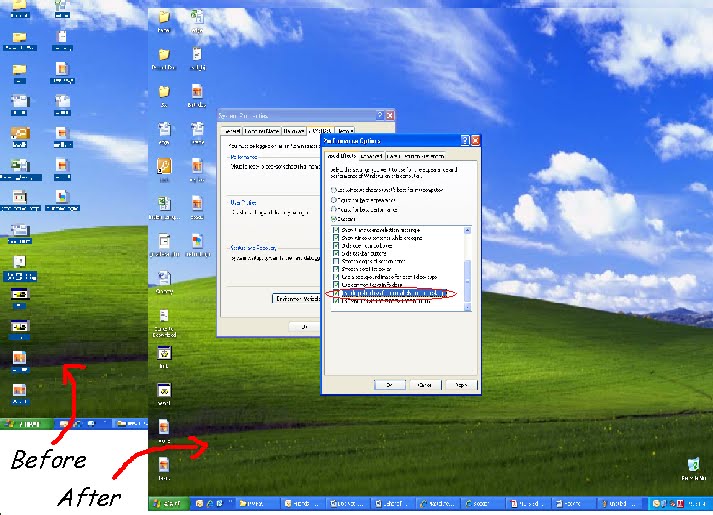
How to make your desktop icons Transparent...!!!





Please Share Your Comments:
Khanewal.com.pk is a comprehensive local portal offering a blend of cultural insights, public service information, and entertainment resources for the Khanewal district.
Copyright © 2026. All Rights Reserved By:Khanewal.com.pk
Website Powered and Coded by: Soft Dot Com, Basic Templete Designed by HTML Codex